Skip to content

See everything, full screen.

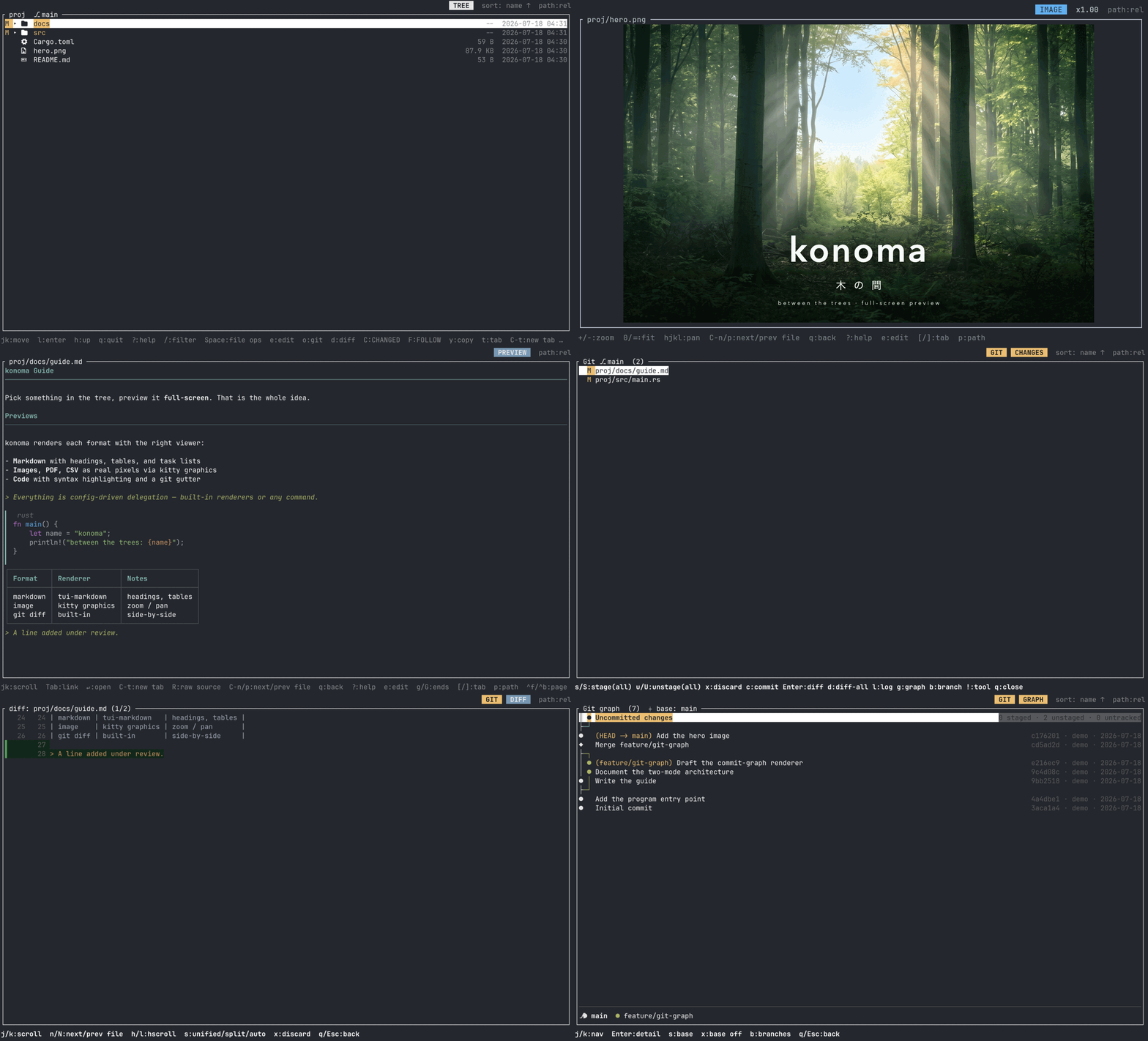
konoma is a terminal file browser with one idea: pick in a tree, preview full screen. Markdown, images, PDFs, CSV tables, git diffs and commit graphs — rendered right in your terminal, and built to sit next to an AI coding agent.

Full-screen previews

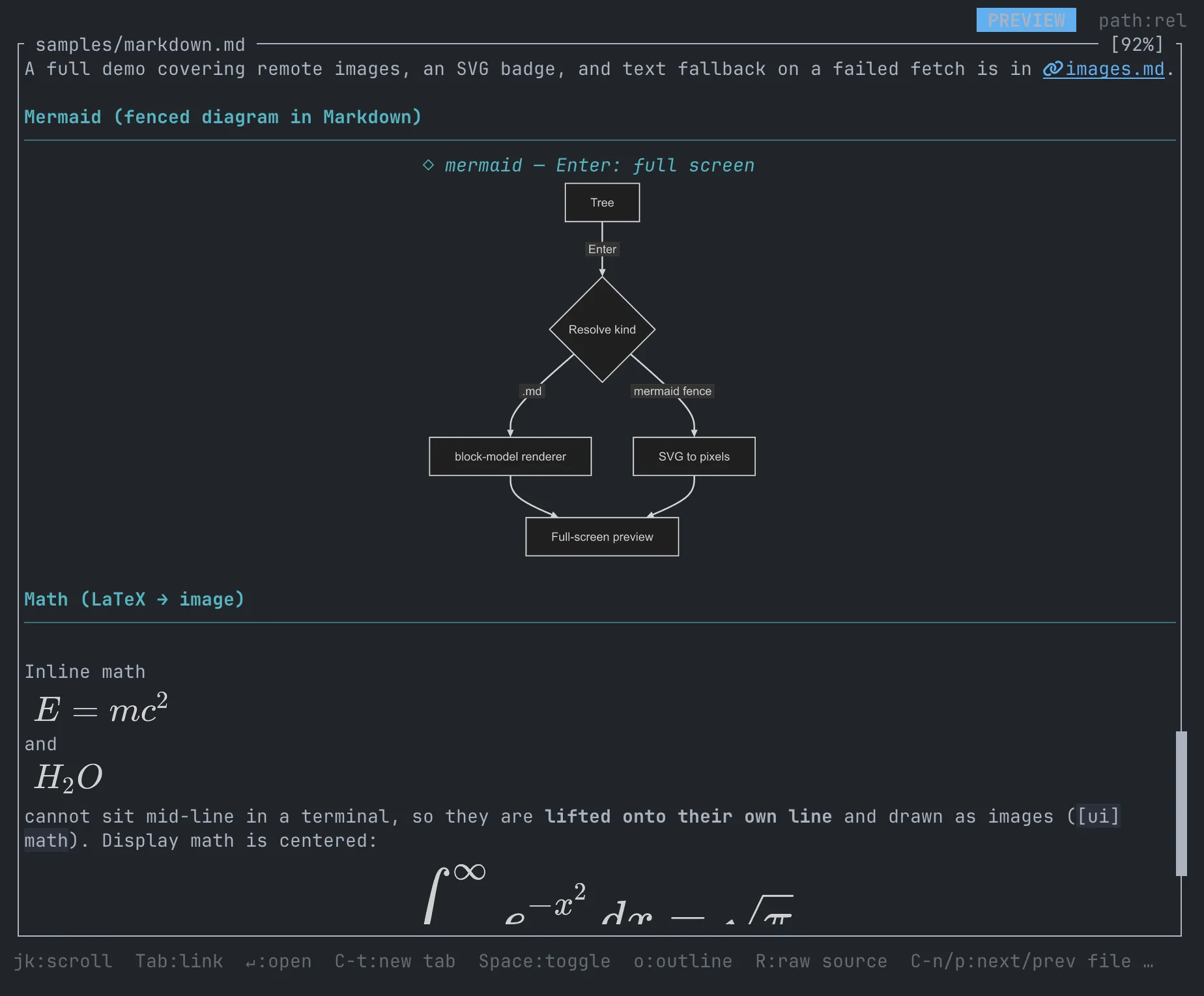
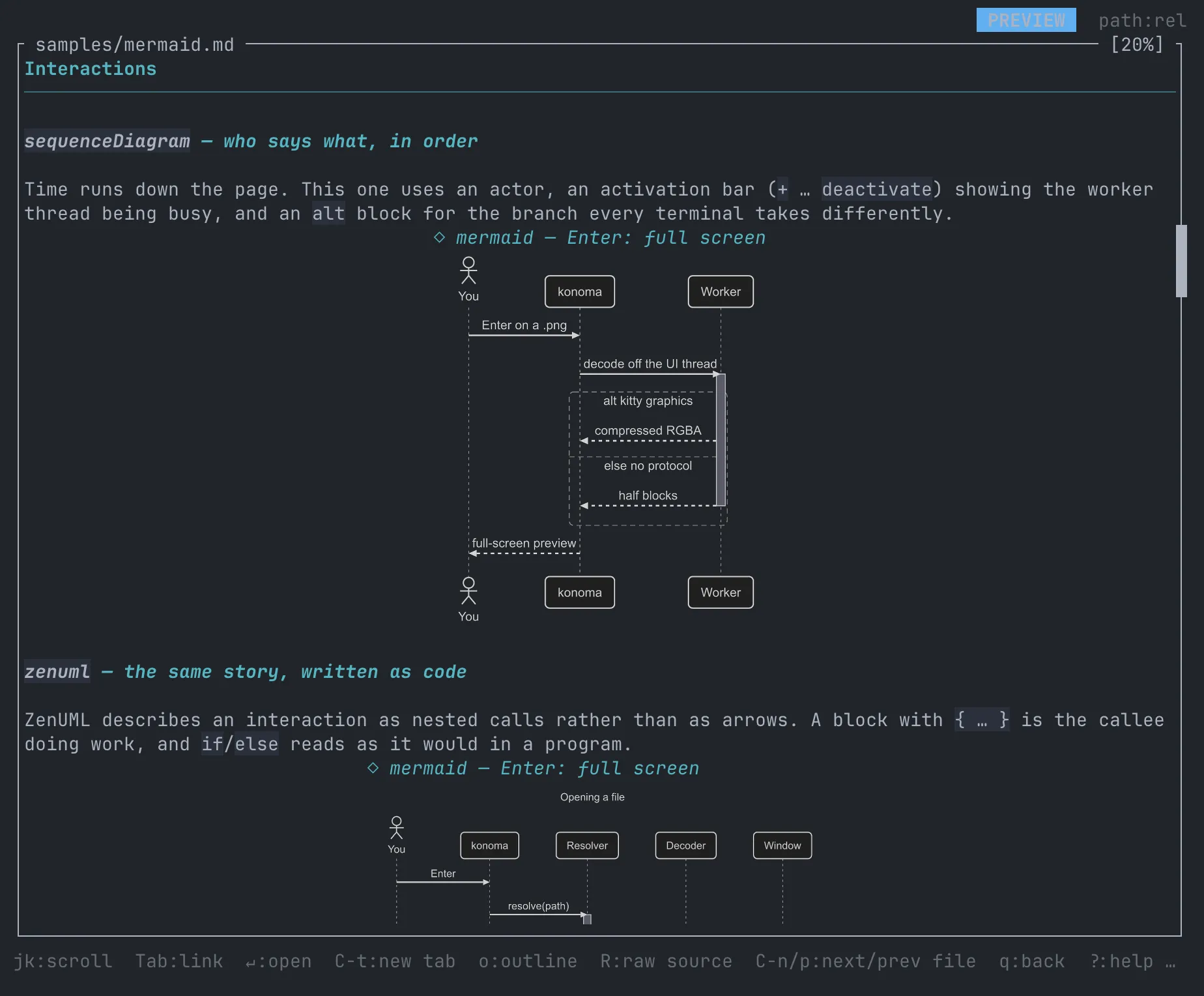
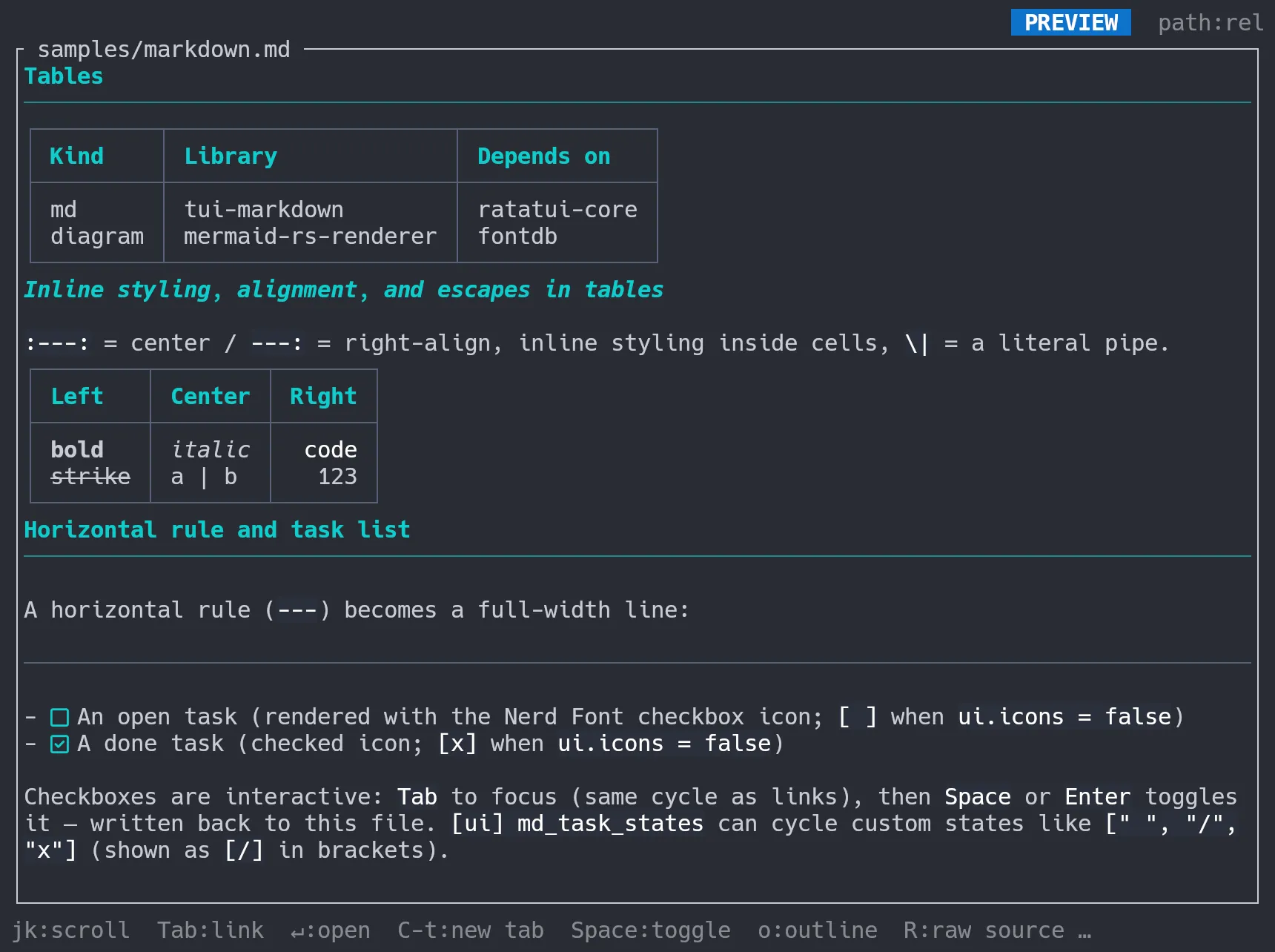
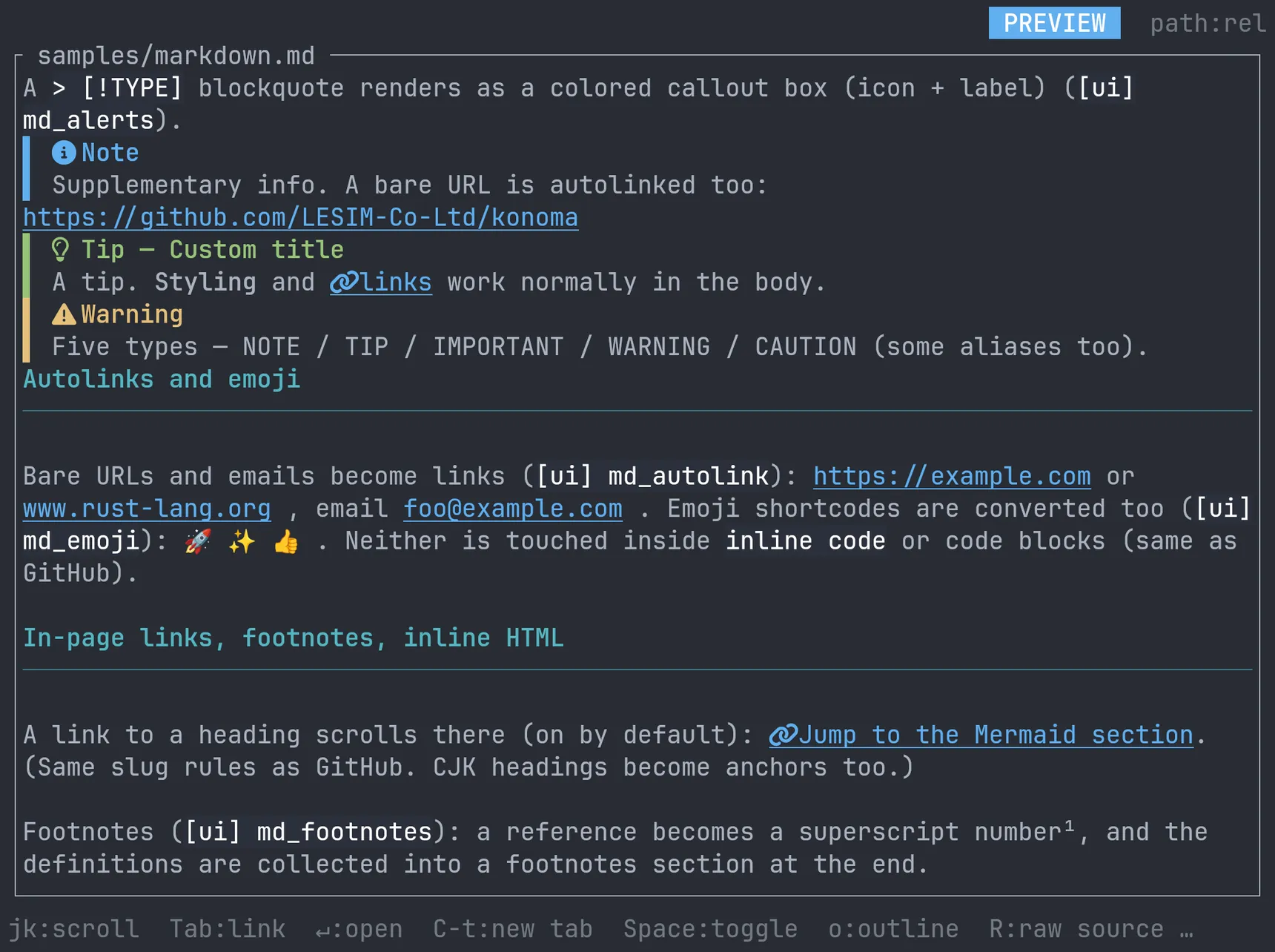
No split panes. The tree is full screen, the preview is full screen, and you flip between them with two keys. Markdown renders decorated (tables, Mermaid diagrams, inline images, interactive checkboxes), code gets syntax highlighting, CSV becomes a navigable table, images/PDF/SVG draw as real pixels via kitty graphics.

Built for AI pair work

Put konoma on the left, your coding agent on the right. Follow mode (F) automatically shows the diff of whatever the agent just changed, C lists every uncommitted file, and one key copies @path#L12-34 references to paste into the conversation.

A real git client

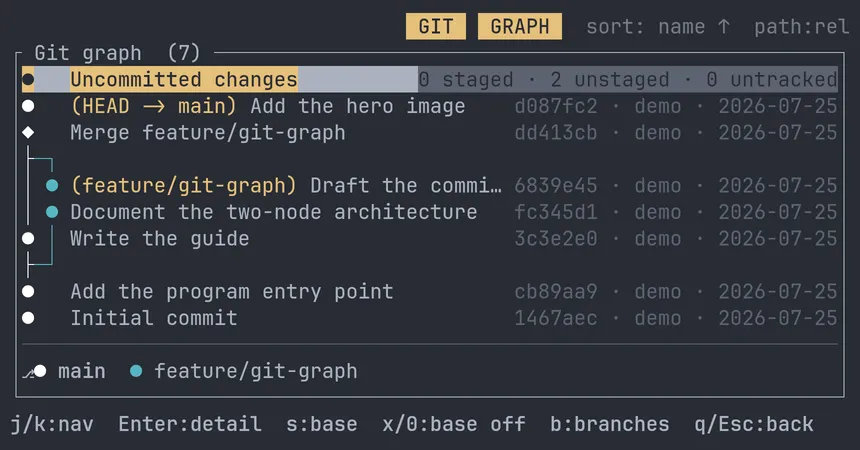
Stage, unstage, commit, full-screen diffs, a log, branches, and a custom-rendered commit graph with square corners and a pinnable base branch — all inside the browser.

Config-driven, safe by default

Every format→viewer mapping and every key is declared in one TOML file. Unknown files degrade to a safe screen instead of crashing; deletions go to the trash behind a confirmation; a broken config never bricks the UI.

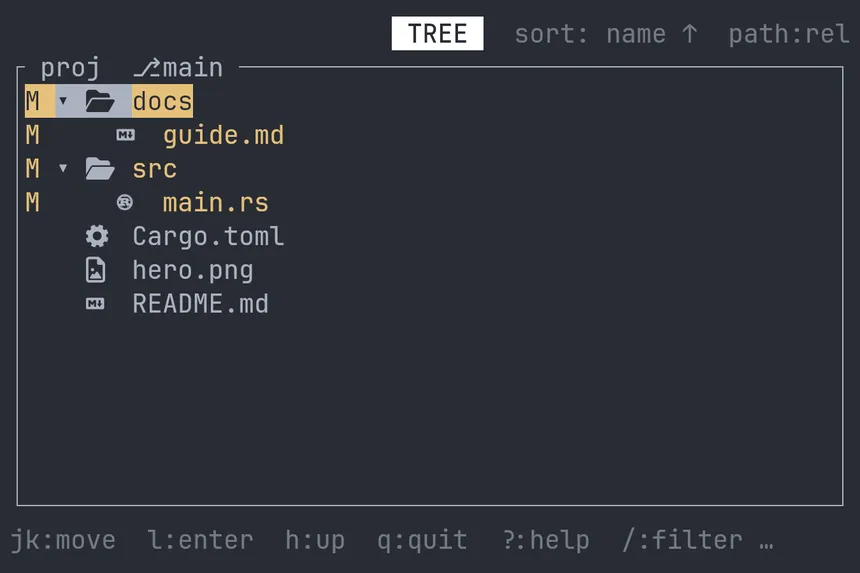
Tree view with git status colors

Custom git commit-graph renderer

Markdown and Mermaid rendering

Terminal window
cargo binstall konoma # prebuilt binary (needs cargo-binstall)
# or
cargo install konoma # build from source

macOS on Apple Silicon is the primary target (Intel macOS and Linux x86_64 have prebuilt binaries too). For image previews you need a terminal that speaks the kitty graphics protocol, such as Ghostty. Then:

Terminal window
konoma [DIR]

Press ? on any screen for help, and take the built-in tour: open samples/tutorial.md from the repository in konoma and learn by doing.